
 Polski
 Čeština
 Slovenčina
 Deutsch
 Italiano
 Español
What is Amazon’s invoice defect rate (IDR) and how does it work?
Selling on Amazon is about much more than just fighting for rankings and optimising ad spend; it is fundamentally about meeting strict performance standards. One critical metric you cannot afford to ignore is the Invoice Defect Rate (IDR). This seemingly technical metric tracks the percentage of orders from business customers for which you failed to upload an invoice within the required timeframe.
 Aneta PiechotaE-commerce Sales Expert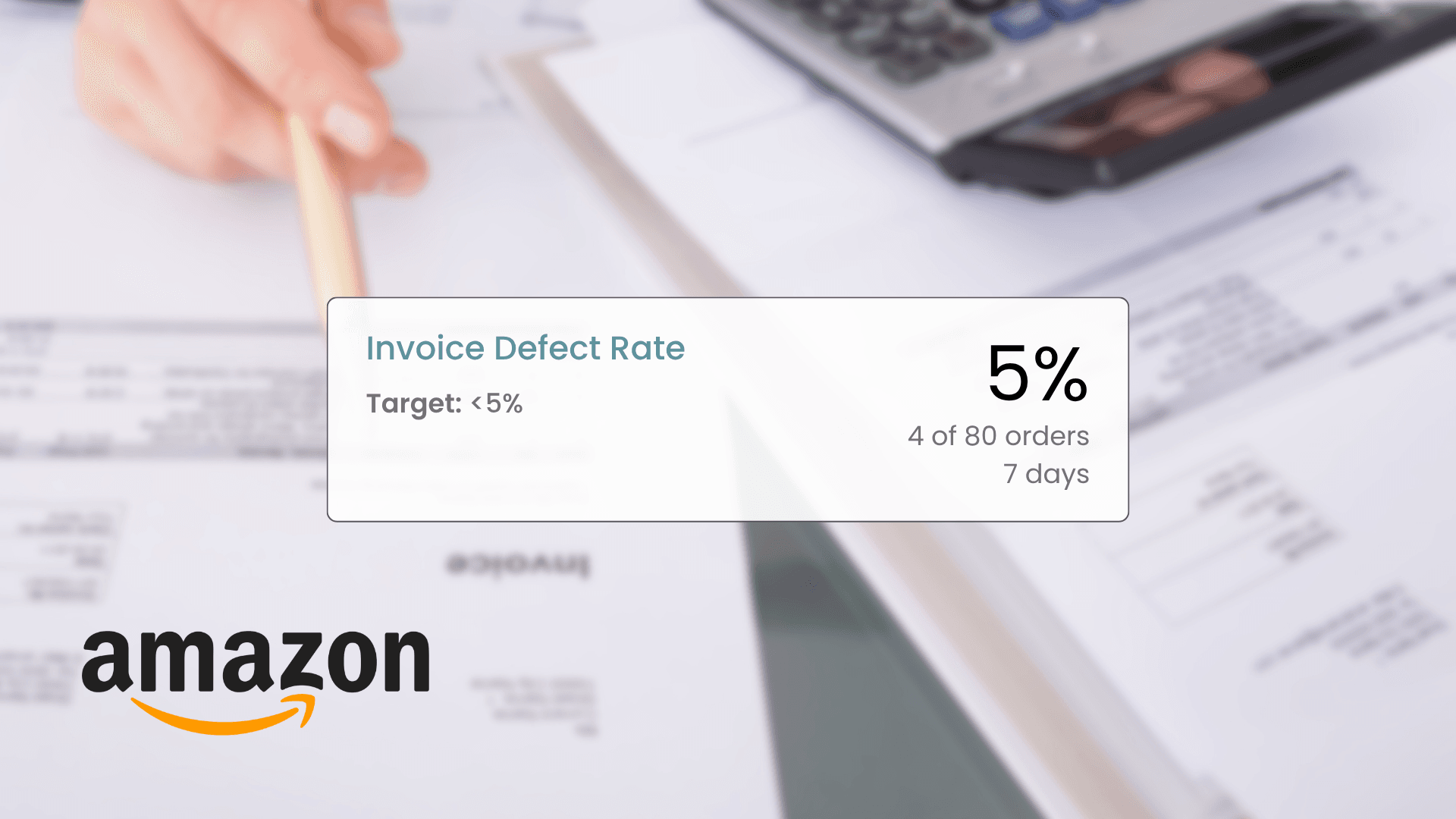
Getting to grips with IDR is essential for protecting your account. Amazon requires sellers to provide business customers with a valid invoice within one working day of dispatch – meaning standard weekends are excluded, but bank holidays falling on weekdays are not. If your defect rate creeps above the 5% threshold, you risk losing buyer trust and, in the worst-case scenario, facing account suspension. That is why keeping your documentation on track is just as important as delivering a high-quality product.
Ultimately, a high invoice defect rate signals to Amazon that your operations are falling short. In this guide, we will break down exactly what the Invoice Defect Rate is, how it impacts your Account Health, and how Amazon calculates it across European marketplaces. We will also look at why this metric is so crucial and how to upload documents correctly to keep your metrics flawless.
What is Amazon’s invoice defect rate (IDR)?
The Invoice Defect Rate (IDR) is a key metric Amazon uses to gauge how reliably you supply accounting documents to your buyers. Specifically, it tracks the percentage of orders from business customers (Amazon Business) for which a valid VAT invoice (or a receipt, if you are legally exempt from VAT registration) was not uploaded within one working day of dispatch. Amazon considers the invoice an essential part of the purchasing journey, meaning any failure to provide it on time is flagged as a customer service defect.
In practice, IDR monitors every single B2B order, demanding strict time management. Even if an item is inexpensive and dispatched instantly, failing to upload the invoice to Amazon Seller Central within the required window will penalise your score. Crucially, while standard weekends do not count towards this deadline, bank holidays that fall on weekdays do, making manual tracking incredibly tricky as your sales volume grows.
From Amazon’s perspective, an invoice defect directly harms the shopping experience for corporate buyers across Europe who rely on these documents for tax reporting and reclaiming VAT. That is why this metric is foundational to how Amazon rates your performance. Keeping it well below the 5% target is the bare minimum required to keep your business running smoothly.
Why is the invoice defect rate crucial for your Amazon account?
For any Amazon seller, the Account Health dashboard is the ultimate control panel. This is where Amazon tracks your operational health, and the Invoice Defect Rate plays a massive role in that assessment. A high defect rate signals to Amazon’s algorithms that your customer service is lagging, which can trigger a domino effect of issues – ranging from lost privileges to full account suspension.
Maintaining a low IDR directly boosts your competitiveness. The Amazon algorithm inherently rewards sellers who deliver a seamless customer experience, from fulfilment right through to invoicing. If your invoice defect rate spikes, your organic search visibility will take a hit.
What is more, you could lose out on the Featured Offer (still widely known among sellers as the Buy Box), even if you offer the lowest price on the listing. A business customer left waiting for an invoice is highly likely to leave negative feedback, which further damages your Order Defect Rate (ODR).
It is worth noting that Amazon treats this metric with the same gravity as the Valid Tracking Rate (VTR) or Late Dispatch Rate (LDR). However, while a delayed dispatch might occasionally be forgiven, missing an invoicing deadline is a binary issue. Whether you operate via Amazon FBA or FBM, you must comply with Amazon’s strict policies. Regularly monitoring your stats in Seller Central and tackling issues head-on is the only way to safeguard your account in the long run.
Invoice Defect Rate vs. Amazon Account Health status
Think of the Account Health dashboard in Seller Central as your business’s performance scorecard. While many brands focus heavily on standard metrics like the Order Defect Rate, Late Dispatch Rate, or Pre-fulfilment Cancellation Rate, the Invoice Defect Rate holds just as much weight. Every single missing document drags your overall score down.
According to Amazon’s policy, the safe threshold for IDR is under 5%. This means failing to provide a timely document for just 5 out of 100 B2B orders will instantly turn your Account Health status to yellow. For newer or smaller sellers, missing just one or two invoices can cause your percentage to skyrocket overnight, risking a sudden account suspension.
Because the system continuously calculates this data over a rolling window, a single invoice defect can quickly tank your visibility, causing a sharp drop in revenue across your target European marketplaces.
How does Amazon calculate the invoice defect rate?
Amazon calculates your IDR as the percentage of total B2B orders for which an invoice was not uploaded on time. This data updates dynamically within your Seller Central dashboard based on recent transactions.
Timing is the ultimate decider here: you have exactly one working day to upload the invoice from the moment the order is marked as dispatched. This rule applies across the board, with Monday to Friday counted as working days, meaning weekday bank holidays are included. Any delay is automatically logged as a defect, instantly impacting your Amazon Account Health. For example, if you confirm a shipment on Friday, you have until Monday at 11:59 p.m. to upload the document. If your B2B sales volume is relatively small, a single mistake is all it takes to breach that critical 5% limit.
How to correctly upload invoices on Amazon
For an invoice to be successfully logged by the system, it must be uploaded as a PDF directly via the Manage Orders section in Amazon Seller Central. The trick is to link the file to the exact order number within that non-negotiable one working day window.
Managing this manually means you have to watch every incoming order like a hawk, generate the document in your own accounting software, and then manually attach it to the correct transaction in Seller Central. Not only is this incredibly time-consuming, but it is also highly risky – especially when scaling up or taking time away from the business.
The safest and most efficient workaround for the European market is to activate Amazon’s built-in VAT Calculation Service (VCS) or integrate a third-party accounting tool via the Amazon API. This completely automates the invoicing loop, handles pan-European tax complexities (like OSS), eliminates human error, and prevents midweek holiday deadlines from catching you out.
Summary
Keeping your Invoice Defect Rate at 0% is one of the easiest ways to secure peace of mind on Amazon. Amazon views punctual invoicing as a hallmark of professionalism, so it is simply not worth risking your account’s health over minor administrative oversights. Remember, every defect actively weakens your competitive edge and can hinder your organic visibility.
While manual uploads might work when you are just starting out, automating the process is a must as your order volume grows. It eliminates the stress of mid-week deadlines and ensures your paperwork is always immaculate.
Need expert help optimising your Amazon account performance?
Get in touch with us today! We will help you streamline your Amazon operations, keeping your account safe and perfectly primed for growth. Book your free consultation now.
Did you find this article helpful?
This article has no ratings yet — be the first.
Autor
Aneta Piechota
E-commerce Sales Expert
I’m a marketing and e-commerce enthusiast with over four years of marketplace experience. I specialise in the Amazon ecosystem, particularly in high-performance advertising. During my career, I’ve also worked with Allegro, where I scaled sales for a private-label brand. I hold a degree in Logistics Engineering, and outside of the office, I practice yoga and have a keen interest in psychology, which helps me understand the “why” behind consumer behaviour.