
 Polski
 Čeština
 Slovenčina
 Deutsch
 Italiano
 Español
Navigating Amazon Seller Central: The complete guide for growing brands
Amazon Seller Central is the operational backbone for brands looking to scale their presence on one of the world’s largest marketplaces. The platform streamlines product launches, inventory health, order management, and customer service, making cross-border trade highly manageable. Whether you are looking to expand into Amazon UK, establish a foothold on Amazon.de, or capture wider European and CE
 Aneta PiechotaE-commerce Sales Expert
Leveraging Amazon Seller Central effectively is the most direct route to reaching millions of high-intent shoppers across global marketplaces. The platform provides brands with the agility required to tailor listings, localised pricing, and shipping terms to match specific regional consumer habits. When expanding into new territories, many business owners initially find the dashboard and its underlying metrics overwhelming. However, our hands-on experience helping brands scale across Europe shows that a structured approach to these native tools consistently yields rapid, predictable revenue growth.
In this guide, we will unpack the core functionalities of Amazon Seller Central to help you optimise your digital storefront. We will cover the essentials of account setup, listing creation, and offer management. We will also address inventory logistics and share strategic insights on how to outpace domestic competition on Germany’s lucrative Amazon.de platform. Whether you are preparing for your first international launch or looking to fine-tune an existing setup, these insights will elevate your marketplace performance.
What is Amazon Seller Central?
The Amazon Seller Central dashboard serves as a comprehensive ecosystem designed to give brands complete control over their marketplace operations. At its foundation, the platform allows you to create, launch, and optimise product listings across hundreds of categories. As a third-party seller, you have full autonomy to refine product copy, implement dynamic pricing strategies, upload high-converting imagery, and establish localised shipping terms.
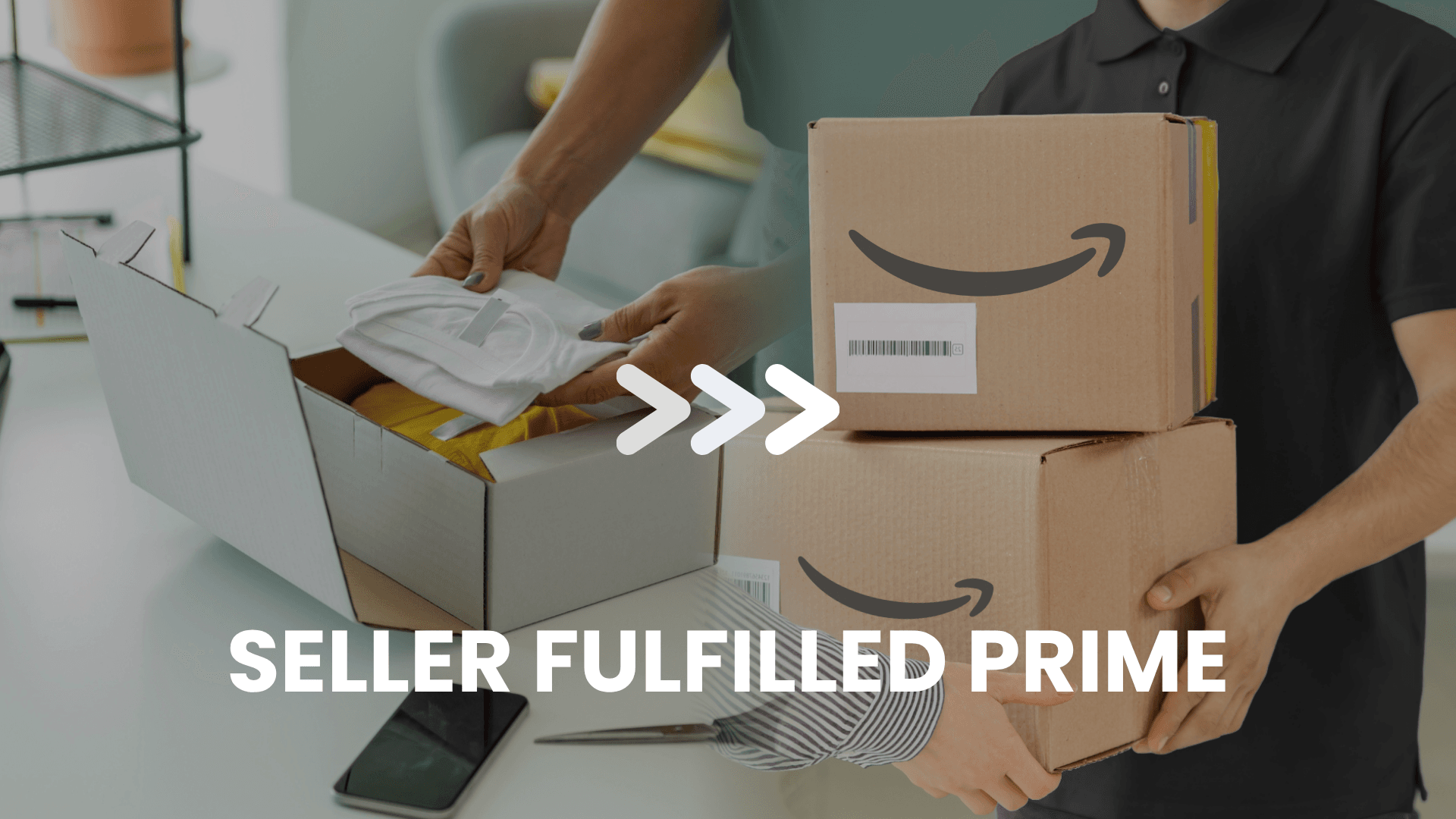
Meticulous inventory tracking is another core feature of the dashboard. It allows you to monitor stock levels in real time, adjust available quantities on the fly, and track incoming orders alongside customer returns. Brands looking to eliminate logistical friction can utilise Fulfilment by Amazon (FBA). By outsourcing storage, picking, packing, and shipping to Amazon’s fulfillment network, you instantly qualify your catalogue for Amazon Prime – gaining immediate access to the platform’s most loyal, highest-spending demographic.
Sellers can also drive targeted traffic to their listings using Amazon Ads. By launching pay-per-click (PPC) campaigns directly within the backend, you can deploy formats such as Sponsored Products to elevate your organic search visibility, win the Buy Box, and capture shoppers at the bottom of the purchasing funnel.
Furthermore, Seller Central functions as an advanced data analytics hub. The platform generates deep-dive business metrics that track conversion rates, session traffic, and exact cost breakdowns. These insights allow management teams to make highly informed decisions regarding inventory forecasting and marketing expenditure.
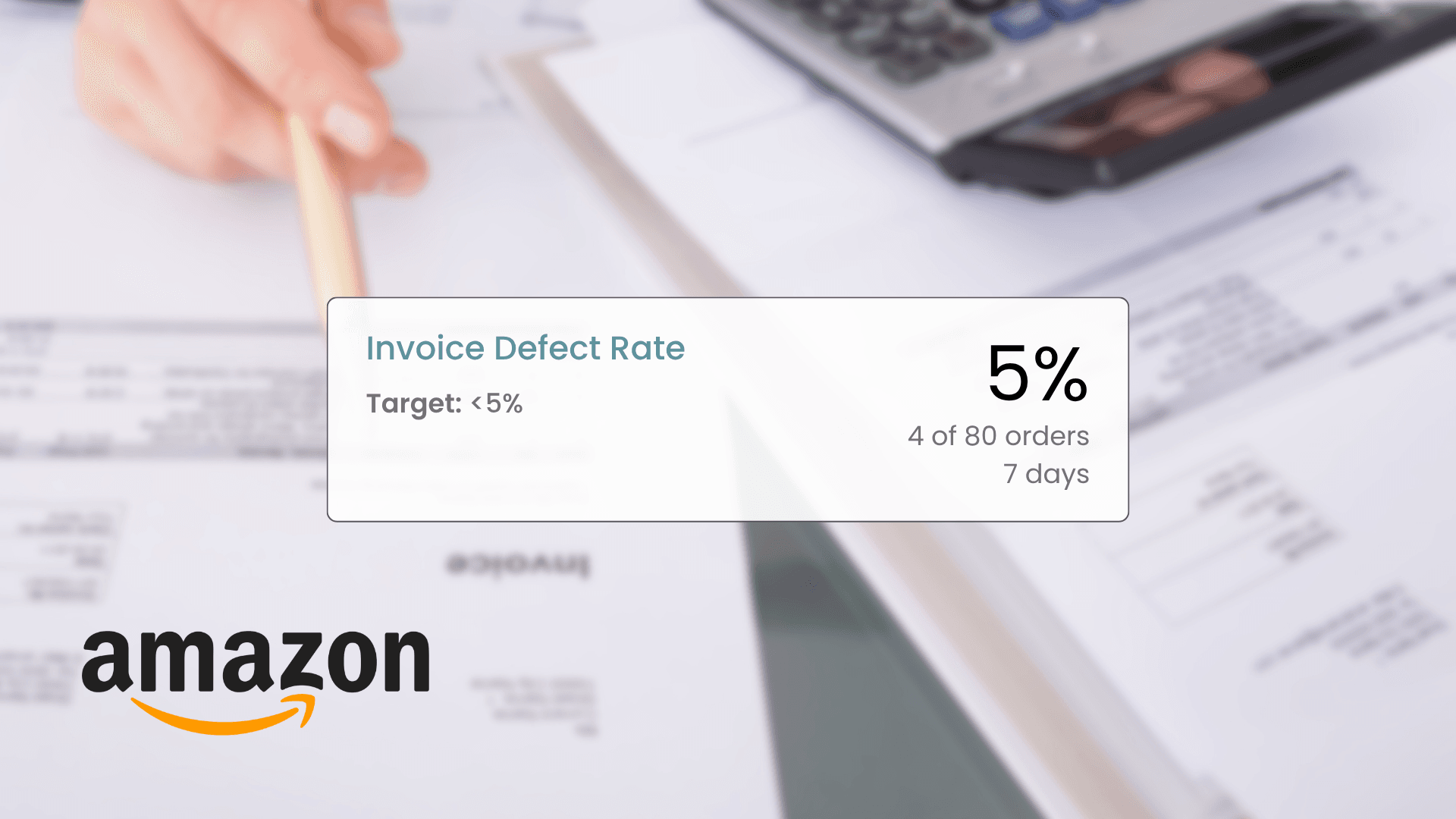
Finally, the portal serves as your administrative command center. From updating company credentials and managing VAT compliance to monitoring overall Account Health and opening technical inquiries with Seller Support, everything is centralised. It also handles customer returns and claims, ensuring you can maintain a flawless seller rating and adhere to Amazon’s strict performance metrics.
Seller Central vs Vendor Central: What is the difference?
The core distinction between Amazon Seller Central and Amazon Vendor Central comes down to your operating model: third-party (3P) retail vs first-party (1P) wholesale.
- Seller Central (3P): You sell directly to the end consumer. You retain ownership of your stock, set your own retail prices, manage your inventory levels, and control your brand presentation. Payments are processed directly from customer transactions, and Amazon deducts a category-specific referral fee per sale.
- Vendor Central (1P): You act as a wholesale supplier to Amazon. Amazon purchases the inventory from you in bulk, takes legal ownership of the stock, and completely dictates the final retail price on the live site. This model is strictly invite-only and is typically reserved for major brands, distributors, and manufacturers.
How to set up an Amazon seller account
To register your business, navigate to the official sell.amazon portal for your primary target market and select “Sign up”. The process requires you to log into an existing Amazon profile or establish a dedicated corporate account. You will then need to choose between an Individual or a Professional selling plan, depending on your projected monthly sales volume.
During the registration phase, you will need to provide verified corporate documentation, including:
- Legal business name, corporate structure, and registered address
- Valid VAT or local tax identification numbers
- Primary point-of-contact details and an active phone number
- Internationally valid bank account details for monthly disbursements
Amazon will require scanned copies of identity documents (such as passports or driving licenses) and official company registration certificates. The verification review typically takes anywhere from a few hours to a few business days.
Once approved, your dashboard is fully activated. At this stage, you should configure your shipping templates, establish tax settings, and begin building your catalog. For long-term brand equity, we highly recommend enrolling in the Amazon Brand Registry. This requires an active, registered trademark with the UK IPO, EUIPO, or equivalent national offices. Joining the registry unlocks powerful brand-protection tools, alongside premium features like A+ Content, Sponsored Brands ad formats, a custom Amazon Storefront, and advanced consumer analytics.
Listing products and managing your offers
To build out your catalog, log into Seller Central, open the Manage All Inventory tab, and select Add a Product. If the item is already sold on Amazon by other merchants, you can locate the existing listing using its name or EAN/UPC barcode, then simply input your specific price and stock availability to add your offer. If you are introducing an entirely unique product to the marketplace, you must create a new listing from scratch by providing the EAN, mapping it to the correct browse node, and writing optimised titles, bullet points, and descriptions alongside high-quality product images.
Once your listings are live, you can modify them at any time through your inventory console. To remain competitive without constant manual oversight, you can utilise Amazon’s native Automate Pricing tool. This software automatically shifts your retail prices in real time based on competitor movements, maximizing your chances of securing the Buy Box while strictly respecting your pre-set minimum profit thresholds.
To sustain sales velocity, it is critical to routinely audit your order metrics and stock levels. Amazon’s internal reports will alert you when inventory is running low, helping you prevent out-of-stock scenarios that can severely damage your organic keyword rankings. Pairing consistent listing optimisation with targeted PPC campaigns ensures your brand remains highly visible and attractive to shoppers.
Inventory and shipping management in Seller Central
Logistics management is controlled primarily through the Manage All Inventory interface. Here, you can review a clean breakdown of live stock levels and manually adjust available quantities by selecting Edit next to any specific SKU. Maintaining accurate data here is essential for preventing damaging order cancellations caused by overselling.
Sellers utilizing the FBA model can switch to the FBA Inventory tab to coordinate shipments to Amazon’s fulfillment centers. By using the Send to Amazon workflow, your team can generate shipping labels, input box content configurations, and book partner carriers. Once the shipment arrives at the warehouse, Amazon’s staff handles the pick, pack, and rapid Prime delivery operations on your behalf.
If you operate under the Fulfilment by Merchant (FBM) model – retaining full responsibility for your own logistics – you must configure your operational parameters within Shipping Settings. This section allows you to set custom delivery regions, shipping surcharges, and exact handling times. Because your internal team is entirely responsible for warehousing, dispatching, and on-time courier delivery under FBM, rigorous operational control is vital to protect your account performance metrics.
Amazon.de: How to compete effectively in the German market
Succeeding on Amazon’s German marketplace requires a deeply localised approach. German consumers are highly detail-oriented and prize transparency, meaning automated or literal translations will significantly hurt your conversion rates. To win their trust, ensure your listings feature flawless, professionally written German copy, precise technical specifications, informative infographics, and explicit warranty terms.
Additionally, you should utilise Seller Central’s built-in promotional features, such as vouchers and exclusive discounts, to build early sales velocity. Routinely monitor competitor pricing models and keep your supply chain agile to avoid stockouts during peak shopping periods. Investing heavily in localised Amazon PPC strategies will help you gain rapid market share against entrenched domestic brands. Finally, focus on customer care: rapid responses, streamlined returns processing, and proactive feedback management are essential for long-term growth in Germany.
Leveraging Amazon reports to drive sales
Seller Central offers an array of comprehensive reporting tools that allow brands to optimise listings, budget marketing capital efficiently, and maximise net margins. The core reports your team should analyse weekly include:
Business reports
These provide high-level overviews of sales performance broken down by ASIN, session traffic, and Buy Box ownership percentages. They allow you to quickly identify which products are driving conversions and which listings require immediate optimisation regarding imagery, copy, or pricing.
Advertising reports
Crucial for evaluating the ROI of your Amazon Ads budget. These reports track granular metrics such as Cost Per Click (CPC), Advertising Cost of Sales (ACOS), impressions, and keyword performance. By deep-diving into this data, you can exclude unprofitable search terms, double down on high-converting phrases, and boost your overall Return on Ad Spend (ROAS).
Inventory reports
These help your team monitor inventory turnover rates and identify slow-moving stock. Staying on top of this data allows for accurate demand forecasting, helping you avoid costly long-term storage fees for stagnant items while preventing sudden stockouts on your best-sellers.
FBA reports
These provide detailed insights into Amazon’s fulfillment network operations, covering warehouse stock reconciliations, customer returns analysis, exact fulfillment fee structures, and order processing timelines. Reviewing these reports helps you maintain supply chain transparency and address the root causes of customer returns.
Summary
Selling through Amazon Seller Central offers an unparalleled growth path for ambitious brands aiming to scale across the UK, Western Europe, and the high-growth CEE region. However, long-term success requires a sophisticated understanding of the platform’s technical ecosystem, algorithms, and compliance rules. Seller Central is far more than a basic product listing tool; it is a complex operations hub that integrates logistics, advertising, analytics, and customer care into a single environment.
Sustained marketplace profitability comes down to mastering the fundamentals: flawless listing execution, proactive inventory health management, and high-impact advertising. Overlooking minor policy updates or mismanaging performance metrics can lead to Buy Box suppression or account suspension. Taking an analytical, structured approach to your Seller Central account ensures stable cross-border expansion and maximised margins.
Ready to scale your e-commerce operations across Western European and CEE marketplaces? Whether you are looking to enter major platforms like Amazon and eBay, or expand into regional powerhouses like Allegro and eMAG, Raise Your Sales is your dedicated growth partner. Book a free consultation with our marketplace specialists today to unlock your global potential.
Did you find this article helpful?
Average rating 5.0 / 5 — 2 votes
Autor
Aneta Piechota
E-commerce Sales Expert
I’m a marketing and e-commerce enthusiast with over four years of marketplace experience. I specialise in the Amazon ecosystem, particularly in high-performance advertising. During my career, I’ve also worked with Allegro, where I scaled sales for a private-label brand. I hold a degree in Logistics Engineering, and outside of the office, I practice yoga and have a keen interest in psychology, which helps me understand the “why” behind consumer behaviour.