

 Polski
 Čeština
 Slovenčina
 Deutsch
 Italiano
 Español

 Allegro
 Discussions and the Message Center: what has changed for sellers since 28 October 2026
Since 28 October 2026, a buyer who has trouble with an order no longer opens a Discussion with most sellers but reports a purchase problem instead, and this reaches the seller as a thread in their messages. Allegro announced the change on 5 October in a notice to buyers and set out the rules for sellers on its official help page about purchase problems, on which this guide is based. In it, we explain where to look for new reports, how much time you have to reply and to resolve the case, when a thread closes on its own, how reports affect sales quality and what you need to check in your customer service software. Everything here reflects the rules as of 2 November 2026, so before making an important decision it is worth checking whether Allegro has clarified any of them since.
 Allegro
How to choose an Allegro agency: 8 criteria and the questions to ask
You can tell a good Allegro agency by the way it backs up its results with specific data, tells you plainly who will run your account and doesn’t lock you into a long contract. Partner status, client reviews and price all matter, but none of them is enough on its own, which is why it’s worth weighing them together and by the same standards for every firm you talk to.
 Allegro
 Ads Express: what it is and how it works, step by step
Allegro Ads Express is a tool in which an algorithm makes most of the decisions for you – you set a daily budget and keep an eye on the results. It sounds convenient, but it raises a question: does this kind of automation actually pay off, or does it simply hand control of your money over to a machine? In this article, we show how Allegro Ads Express works step by step, what it really costs and – most importantly – when it's worth using and when you're better off with a manual campaign.
 Allegro
Blocked Allegro account: causes and how to get it unblocked
A blocked Allegro account usually means restrictions on selected features rather than a complete cut-off from the platform: a listing suspension, a sales block for an unpaid bill, a block on campaigns and Allegro Ads or, in the most serious cases, an account suspension. You can check the reason, and what to do to have the restriction lifted, in the email from Allegro and in Sales Center, in the “Rules and restrictions” tab. Allegro lifts a block for overdue payments automatically once the payment has been registered, while in other cases you need to explain the situation through the contact form and wait for an individual decision, because Allegro gives no timescales.
 Allegro
Promoting listings on Allegro – 2026 prices and promotion options
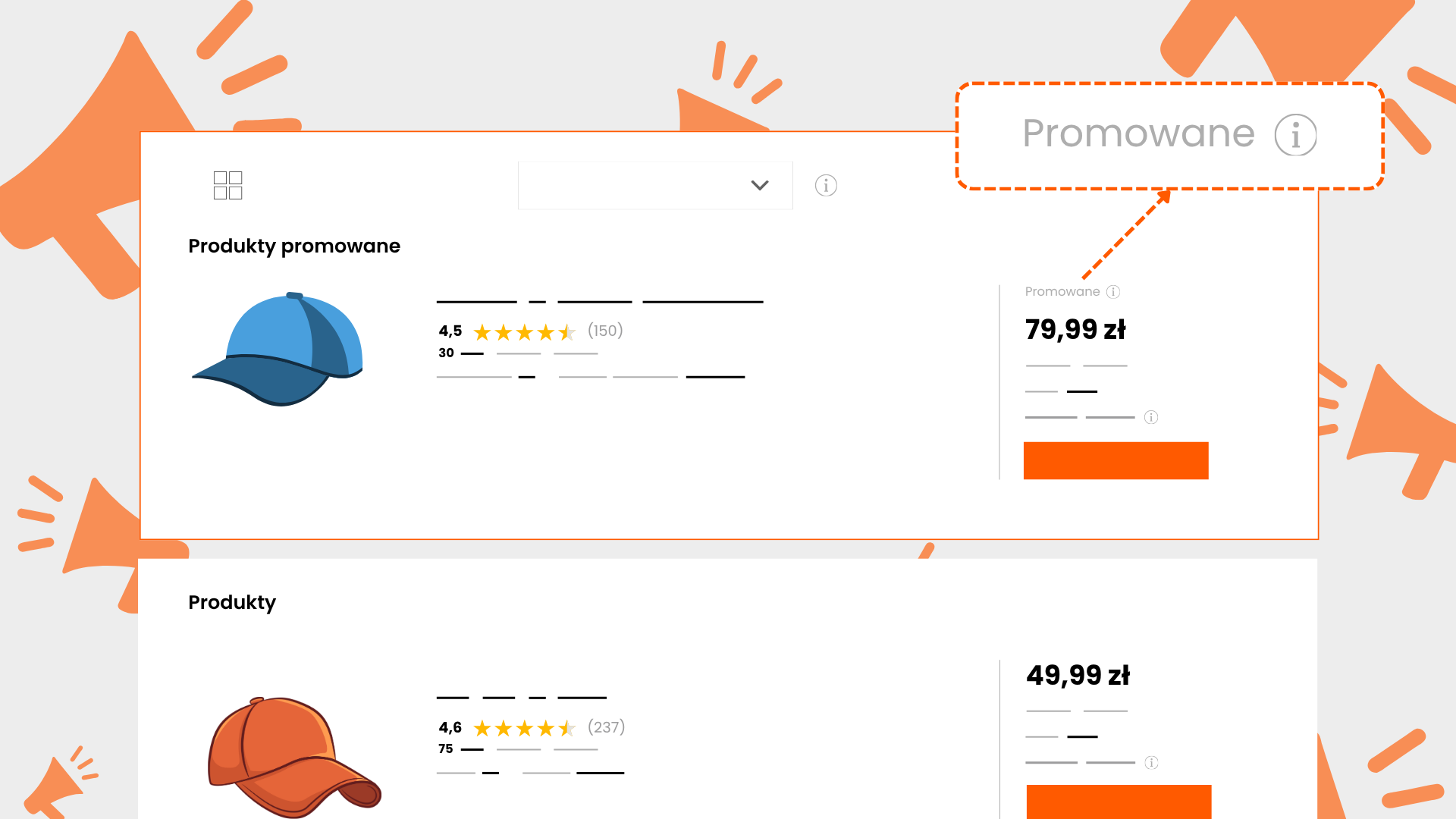
In this article we break down every way to increase the visibility of your listings on Allegro: Feature, Flexible Feature, promotion on the category page, Sponsored Offers, display advertising and Strefa Okazji (Deals Zone). We show the current prices from Allegro’s help pages, including the additional commission that is easy to overlook, tell you plainly what pays off at different advertising budgets, and describe how we promote our clients’ listings.
 Allegro
 Hungary – a new market for Polish sellers
Just a few years ago, expanding into a foreign e-commerce market sounded like a year-long project. A separate company, translations, a local warehouse, a courier nobody in Poland had ever heard of. For most Polish businesses, it ended with the words ‘we’ll give it a go one day’. And that ‘one day’ usually never came.
 Allegro
What is Allegro Days? Dates, discounts and rules for sellers
Much like Amazon with Prime Day, Allegro has its own flagship sales driver. It's called Allegro Days, and it comes round practically every month, drawing in millions of shoppers on the hunt for bargains. For sellers, it's both an opportunity and a trap: played well, it can make your whole quarter. Get the maths wrong, and it eats into your margin before you even realise.
 Allegro
 ADS – A Guide to Advertising on Allegro in 2026
You sell on Allegro and you can see that simply being in the catalogue isn't enough. Competitors in your category have dozens, sometimes hundreds of similar listings, and your product gets lost somewhere on the third page of results. Shoppers simply don't see it, so they can't buy it.
 Allegro
 commission refund: how to apply, automatic refunds and appeals
You can get an Allegro commission refund, which Allegro calls a transaction rebate, when a sale falls through: the buyer does not pay, cancels the purchase, sends the goods back or does not collect the parcel. You apply in Sales Center, in the “Orders” tab, no later than 45 days after the transaction is concluded, and in many situations Allegro refunds the commission on its own, without an application. If you are refused, you can appeal using a separate form, but only once the buyer has been refunded through Allegro.